
How to Install & Play
🤖 Android / APK
- Tap the Download Android App button.
- Wait for the JEETO KING APK file to finish downloading.
- Open the downloaded APK file.
- If your phone asks for permission, allow installation from this source.
- Tap Install and wait for installation to complete.
- Open JEETO KING and start playing.
🍎 iPhone / iOS
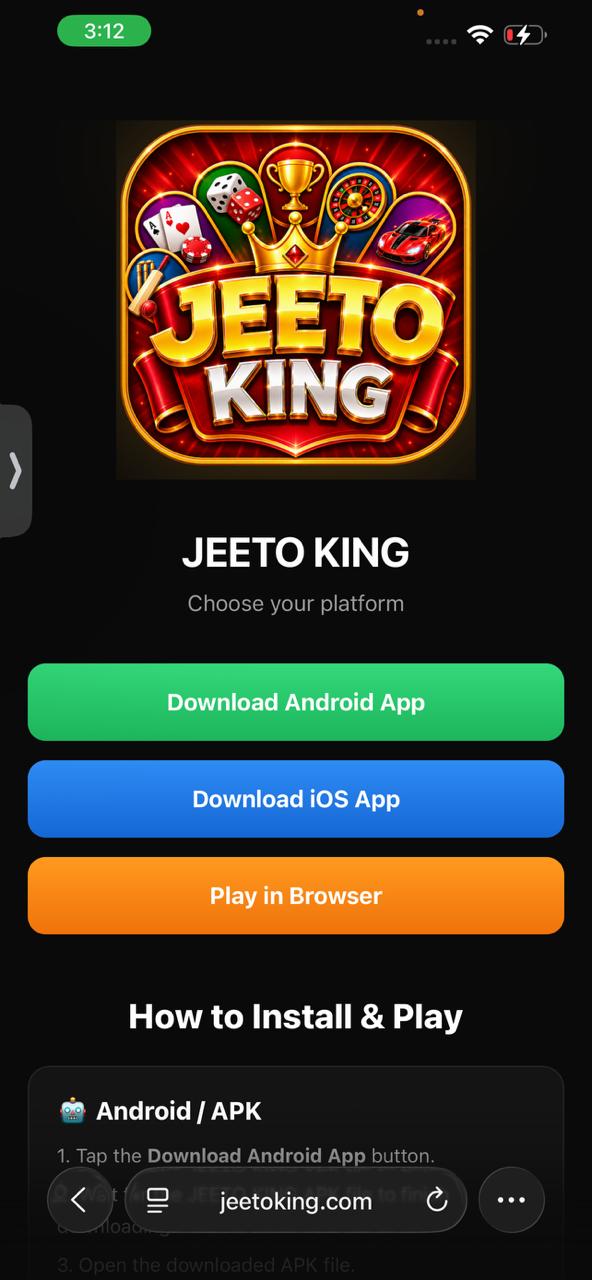
- Tap the Download iOS App button.
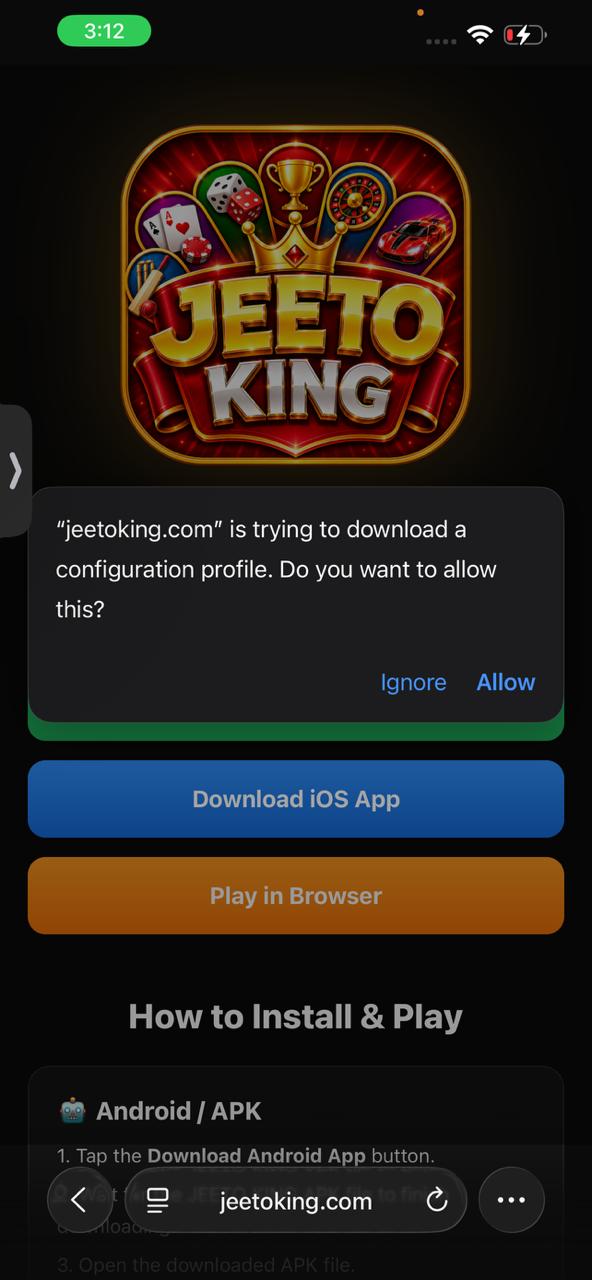
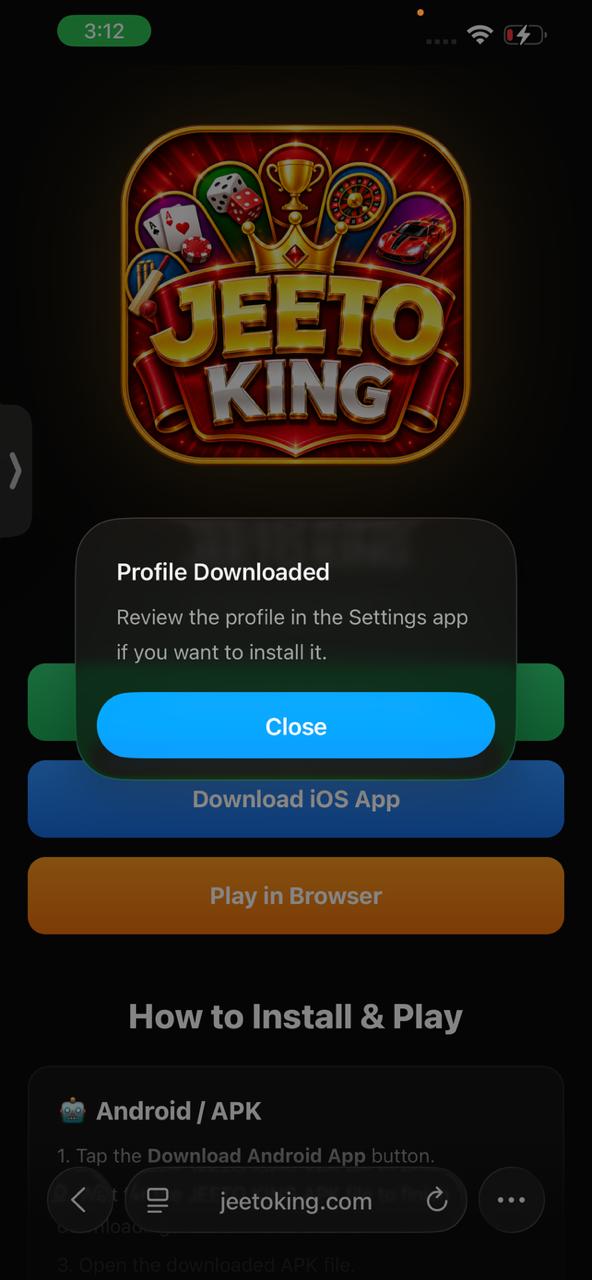
- Allow the configuration profile to download when prompted.
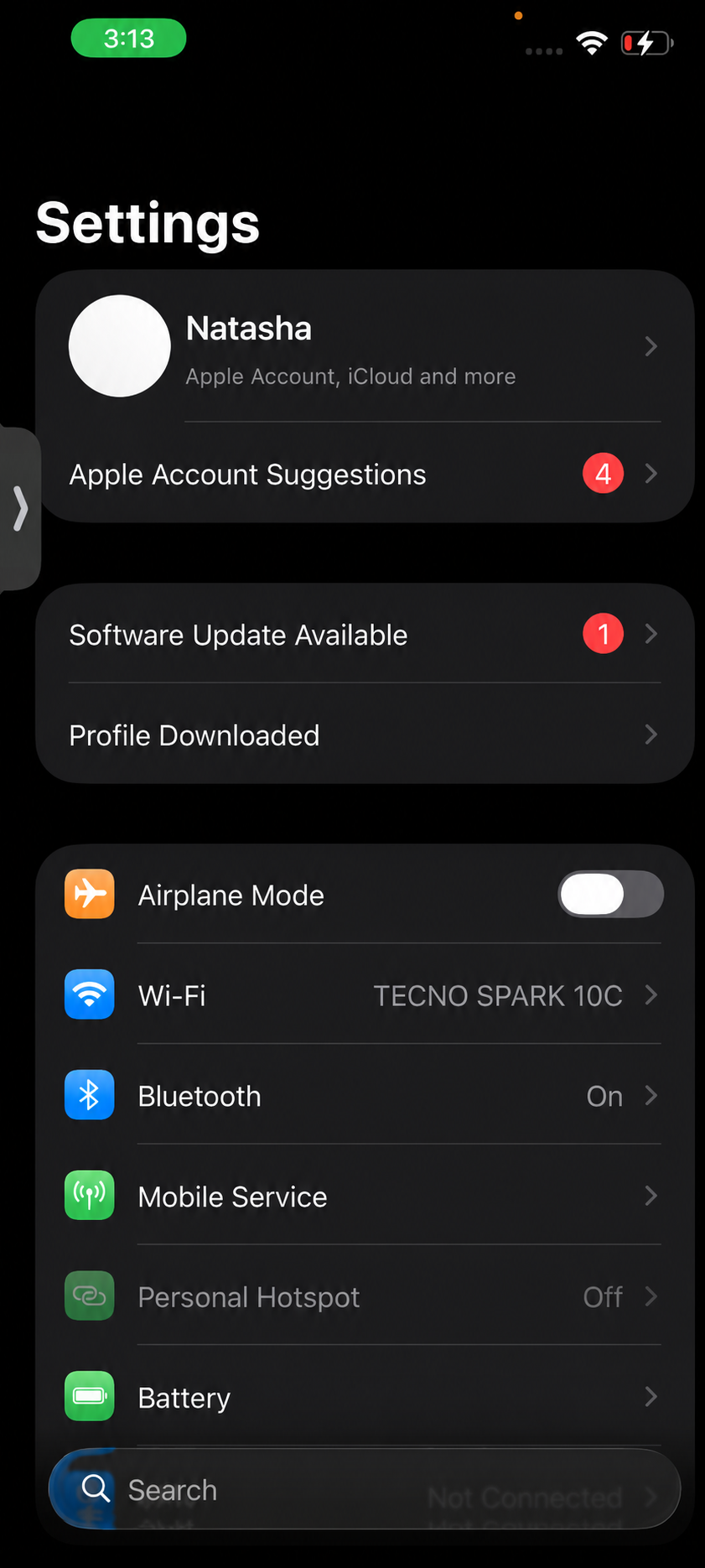
- Open your iPhone Settings.
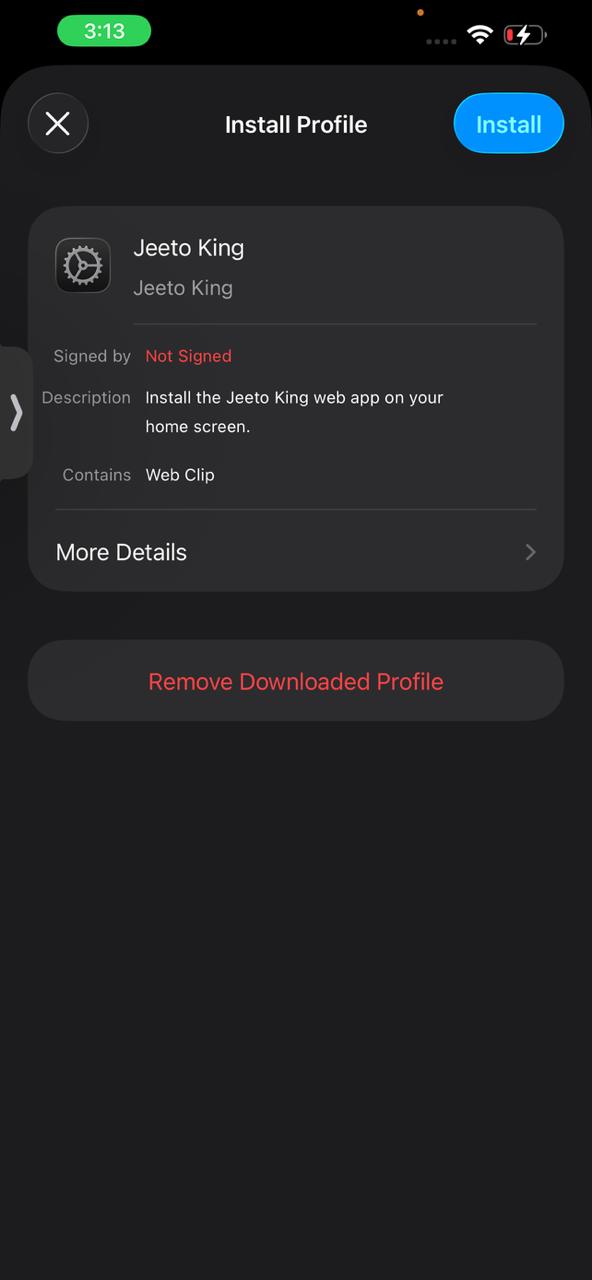
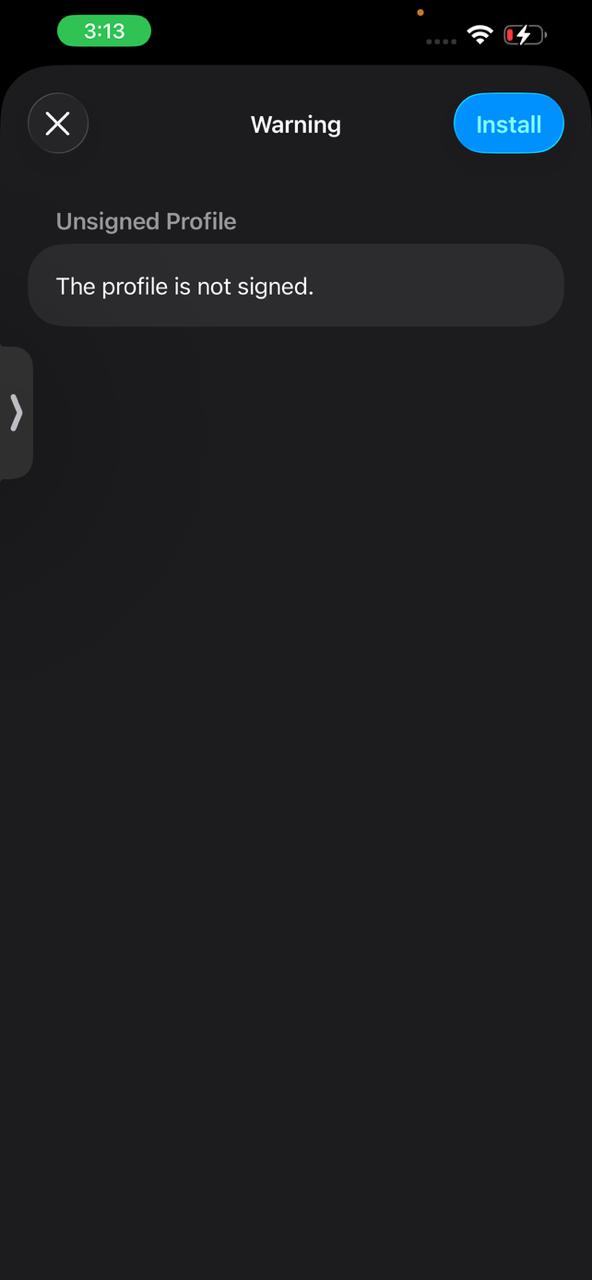
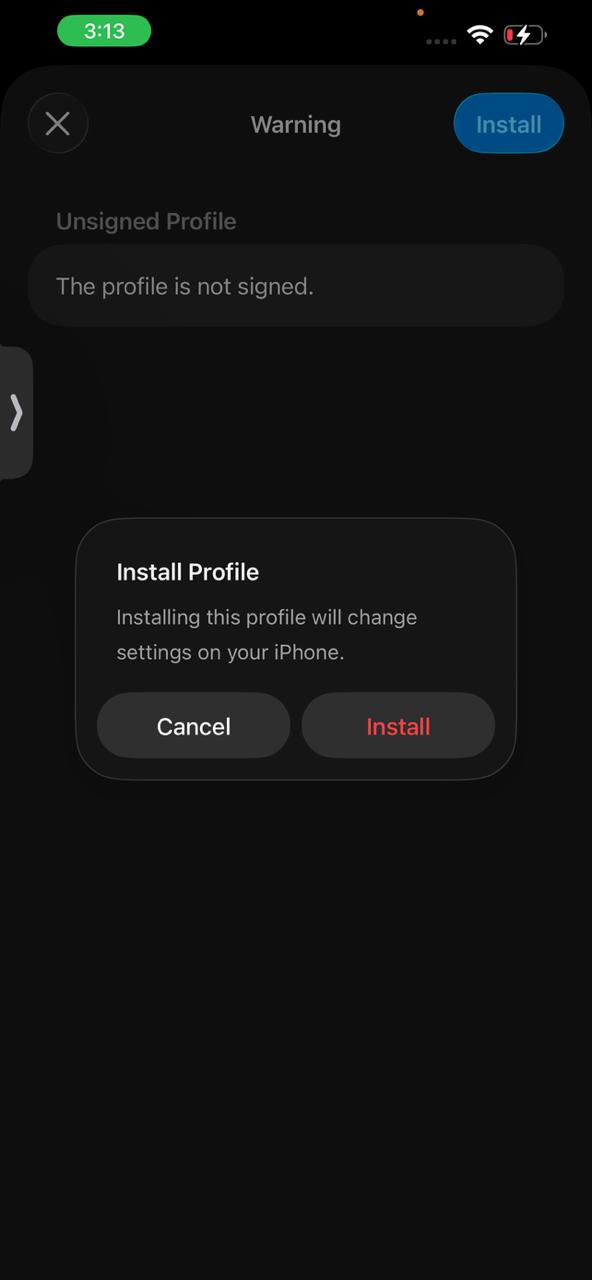
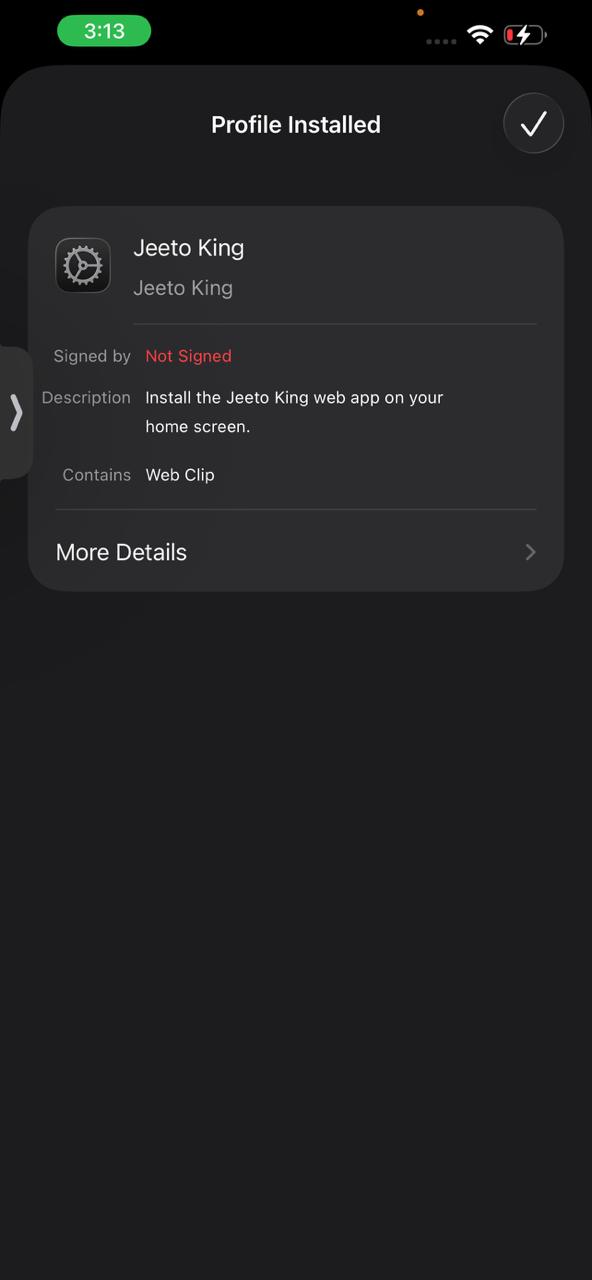
- Open Profile Downloaded and follow the installation steps.
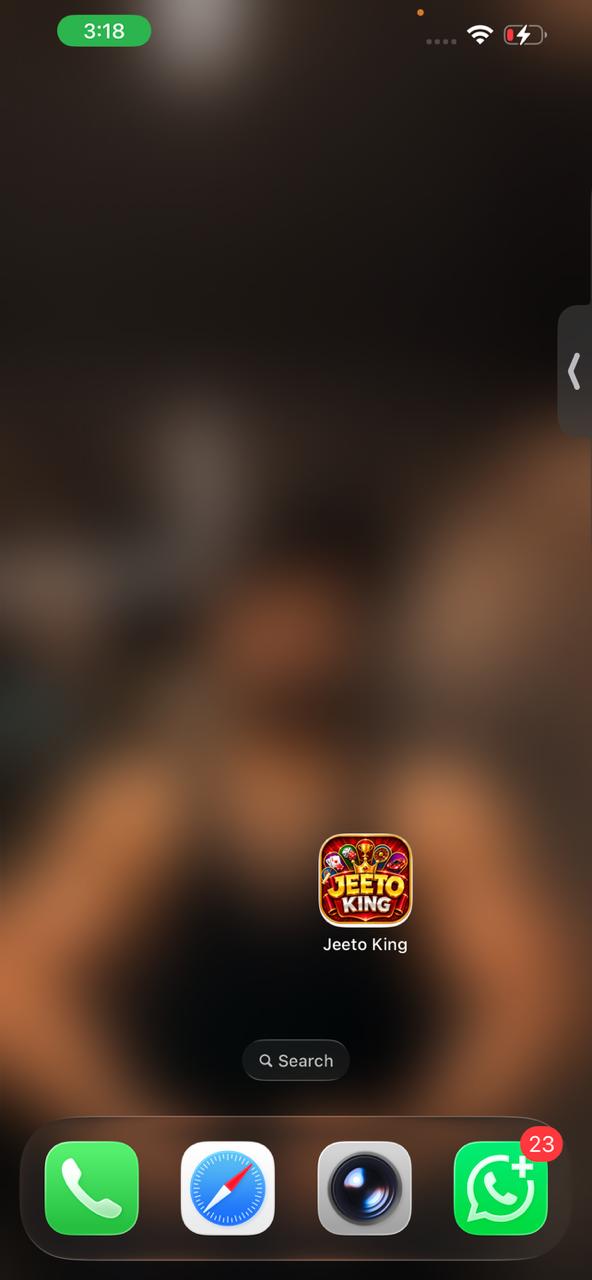
- After installation, return to your Home Screen.
- Tap the JEETO KING icon to open and play.
iPhone Visual Installation Guide
🌐 Play in Browser
- Tap the Play in Browser button.
- JEETO KING will open directly in your browser.
- No app installation is required.
- Login or create your account.
- Start playing directly from your browser.
Select your preferred platform and follow the instructions above. Installation options may appear differently depending on your phone, browser and operating system version.